How Are Smart Electricity Meters Changing Residential Energy Monitoring?
For decades, the electricity meter gave you one number a month. You saw the total, shrugged at the bill, and never knew whether the air conditioner, the water heater, or a forgotten freezer caused the jump. Smart meters end that guessing game, but not because they save energy on their own. They change what you can see. So how are smart electricity meters changing residential energy monitoring? They record usage in small time slices, send it automatically to your supplier, and often show it to you through an app or a display. That turns a monthly total into a daily story with peaks, quiet hours, and habits. This guide explains what changes, how to read your own usage pattern, and where smart meters fall short. You will find a quick answer, two tables, a five-step routine, and a short FAQ.
How Are Smart Electricity Meters Changing Residential Energy Monitoring?
Smart meters change residential energy monitoring by recording usage at short intervals, sending readings automatically, and enabling time-based tariffs and near real-time feedback. Instead of one monthly total, households can see when they use power and which habits drive the bill, though the meter alone does not reduce consumption.
What Is Different From an Old Meter?
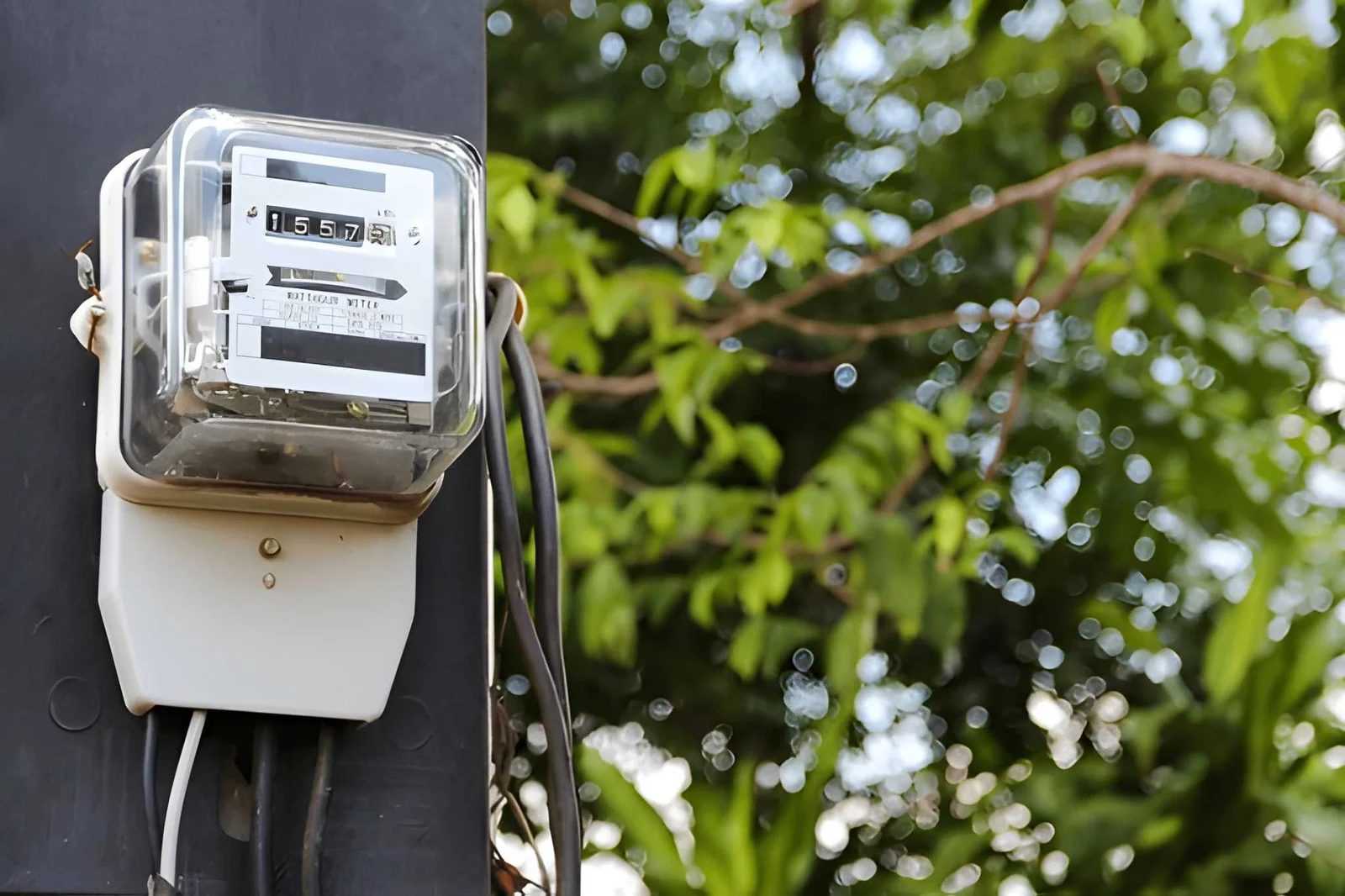
Traditional meters simply accumulated a total since installation or the last reset. Smart meters instead record interval data, typically every 15 to 60 minutes, and support two-way communication.
| Feature | Old Meter | Smart Meter |
|---|---|---|
| Data detail | One running total | Interval readings through the day |
| Readings | Manual, or estimated | Automatic, so bills rest on actual use instead of estimates |
| Tariffs | Mostly flat | Time-of-use pricing depends on this interval data |
| Home feedback | Check the dial | Phone app, web portal, or an in-home display |
| Solar and batteries | Limited tracking | Can verify net energy flows from rooftop solar or storage |
How Do You Read Your Own Usage Curve?
A day of interval data forms a curve. Three shapes tell most of the story.
| Shape | What It Shows | Typical Cause | Action |
|---|---|---|---|
| Baseload | The lowest level, usually overnight | Fridge, router, standby devices, old freezers | Hunt for always-on loads |
| Peaks | Morning or evening surges | Cooking, heating, cooling, hot water | Shift flexible use outside peak pricing |
| Spikes | Sudden short jumps | Kettle, oven, dryer, pump | Spread heavy appliances across the day |
A baseload that looks high for a home where everyone is asleep is the quickest clue to wasted power.
What Can and Cannot a Smart Meter Do?
| It Can | It Cannot |
|---|---|
| Show when you use electricity | Automatically lower your bill |
| Support time-of-use tariffs | Tell you which appliance is responsible without extra tools |
| Reduce estimated bills | Work the same way in every country or utility |
| Help detect outages | Guarantee a data feed you can access directly |
Smart meters can raise awareness but will not automatically lower bills, and affordable third-party monitors can also track consumption without replacing a meter.
What About Privacy and Safety?
Near real-time consumption data can reveal personal details, such as whether someone is at home. Ask your utility who can access your data, how long it is stored, and whether you can opt out of detailed sharing. Concerns about accuracy and radio signals also appear in public debate, so check your regulator or health authority for official guidance.
How Do You Use a Smart Meter Well?
- Find your data. Check whether your provider offers an app, web portal, or in-home display.
- Study one week. Note your lowest overnight level, your daily peaks, and any spikes.
- Test one change. Switch off standby devices or delay the dryer, then compare the next week.
- Check your tariff. Ask whether a time-of-use plan fits your routine before you switch.
- Review each season. Heating and cooling can change the shape of your curve.
Frequently Asked Questions
Will a smart meter lower my bill?
Not by itself. Savings come from changed habits or a better tariff.
Does a smart meter use my home Wi-Fi?
Often not. Many use a separate utility network, but this varies by region.
Can I refuse one?
Rules differ by country and utility. Ask your provider.
Bottom Line
Smart meters turn a monthly number into a daily picture. Use the data to find your baseload, shift your peaks, and choose a tariff that fits your life. Check what data your utility shares, and treat the meter as a tool, not a solution.
Must visit https://tipsbydecoratoradvice.com/ for smart electricity meters ideas.

Post Comment